| Ratio to Heavy is not providing values on the calibration curve | marharyta vasnietsova | 2026-01-19 01:32 | |||||||||
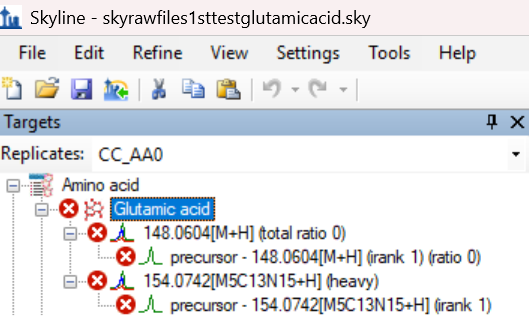
Hi Team, I have been dealing with an issue where I have set the sample names to Standards, Unknowns etc, given the light concentrations for the calibration curve samples that are marked as Standards, provided the Internal Standard concentration but the calibration curve (attached) has no values. Not all Standards samples appear on the calibration curve and still it does not provide values, I assume that the ones on it have the peaks. Could you please help me solve this issue? Thanks in advance! |
|||||||||||
| |||||||||||
 glutamicacidemptycalibrationcurve.emf
 glutamic acid skyline tree.png