If you want to search for peptides in a .raw file, you should use the menu item:
File > Search > Run Peptide Search
It looks like you were instead trying to use the "File > Import > Peptide Search" menu item. That's the menu item that you would use if you already had peptide search results. It also used to be the menu item to run a new peptide search, but we moved that functionality to "File > Search".
When you do File > Search > Run Peptide Search, Skyline will ask you to provide your .raw files as well as a FASTA file.
You can learn about running peptide searches in Skyline here:
https://skyline.ms/wiki/home/software/Skyline/page.view?name=tutorial_dda_search
-- Nick
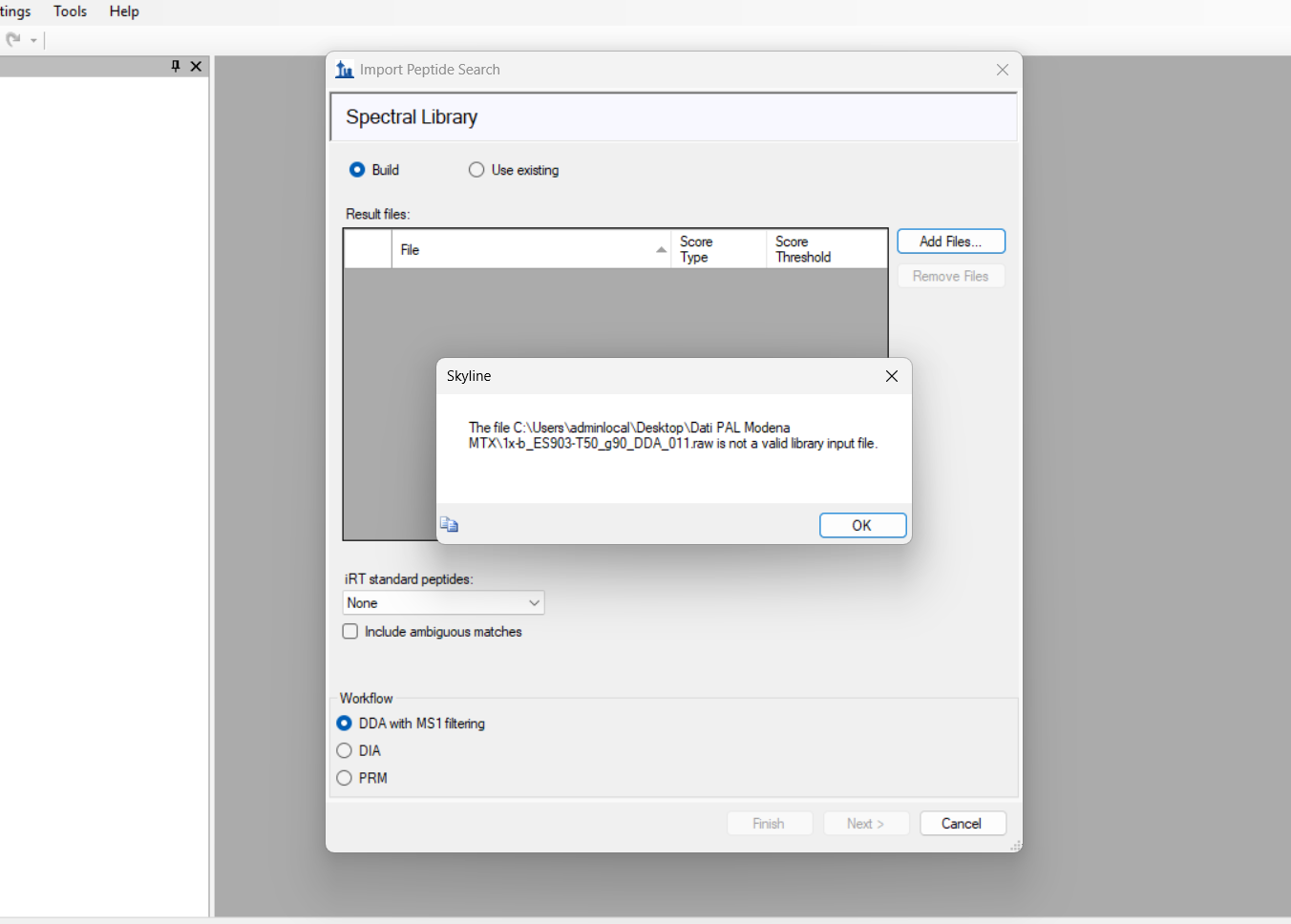 Immagine 2026-01-13 015057.png