If you hover the mouse over the red exclamation marks in your screenshot, a tooltip should appear which will tell you what the problem is.
By the way, you can run many different versions of Skyline on the same computer at the same time.
One way to do that is to go to the "Unplugged" installer page:
https://skyline.ms/home/software/Skyline/wiki-page.view?name=install-64-disconnected
After you click "I agree", a link that says "archive" will appear. When you click the "archive" link, the complete list of past Skyline versions will appear.
Each item in that list is a .zip file that you can download.
When you unzip the file, you can either run the "setup" file that is in there, or you could navigate to a subfolder and find the program "Skyline.exe" to launch.
Note that if you use Windows to unzip the file you have to first right-click on the .zip file and choose "Properties" and check the checkbox that says "unblock".
But, if you use another program such as 7-zip to unzip the file then unblocking is not necessary.
-- Nick
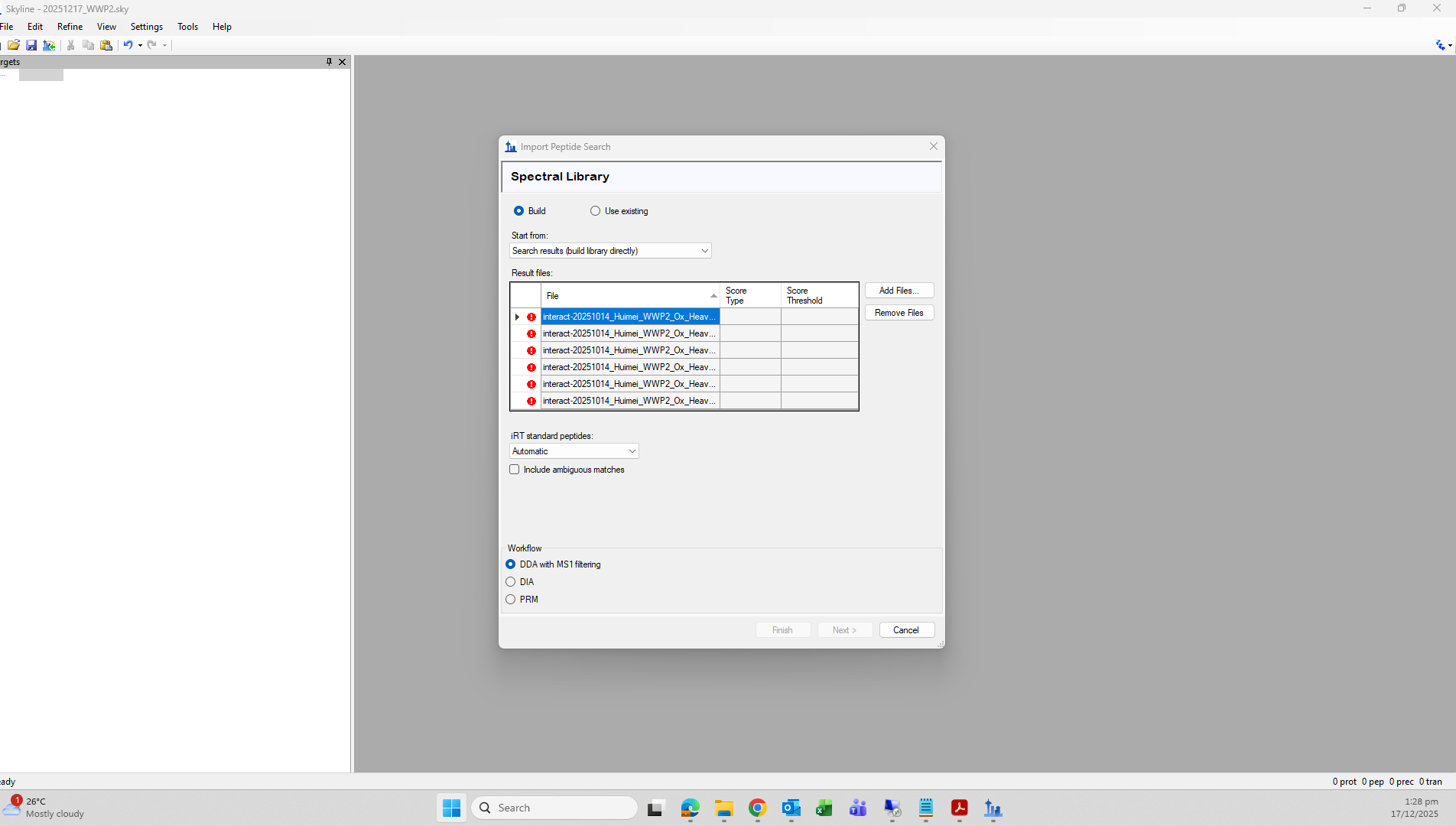 Peptide import.png
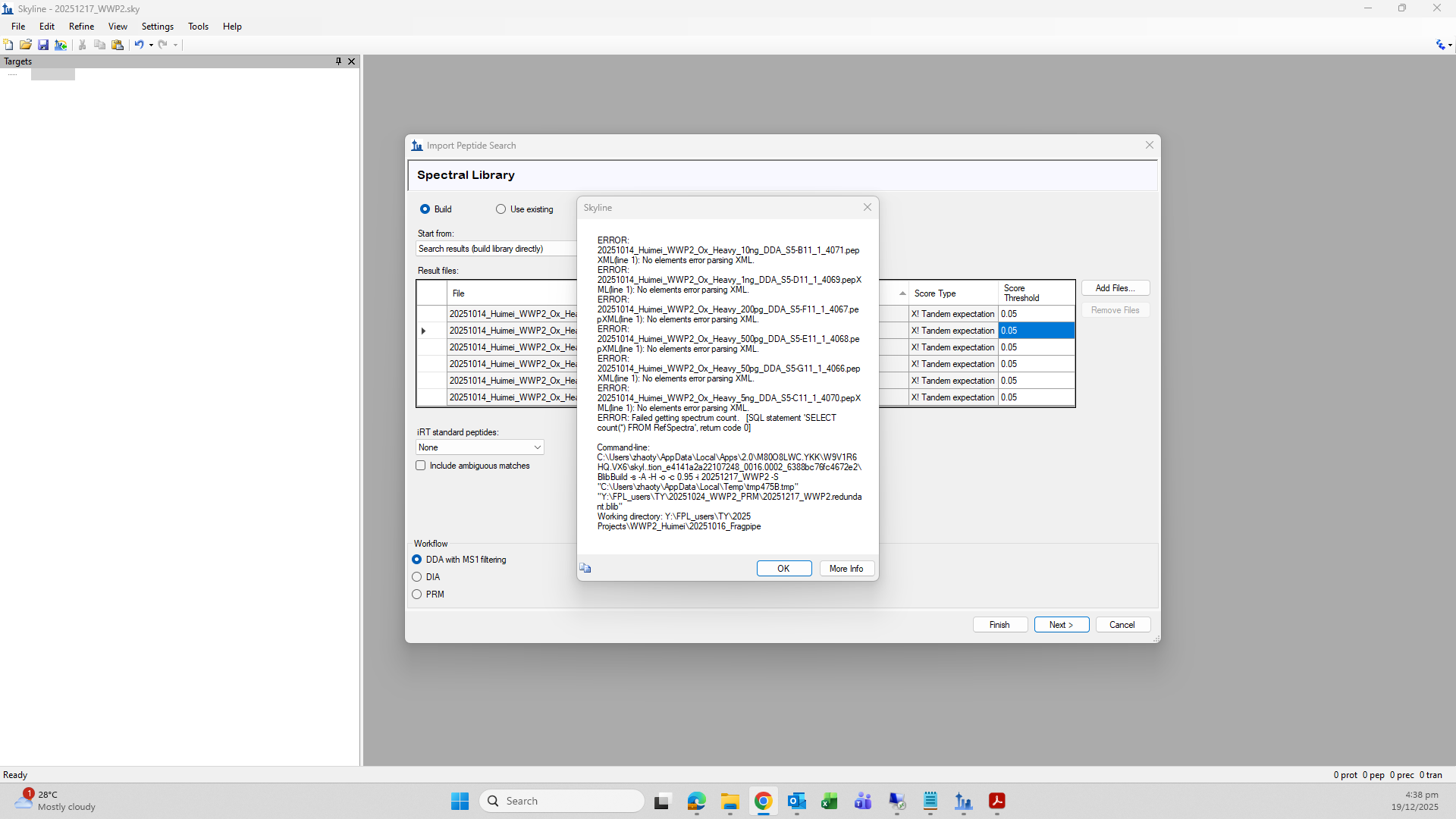 Error message.png
 20251014_Huimei_WWP2_Ox_Heavy_10ng_DDA_S5-B11_1_4071.pepXML